For best results, we recommend using the most recent version of Google Chrome web browser and closing all other tabs and windows to ensure the fastest connection.
Let us know at: [email protected]. While you wait for our response, if you’d like to try again, we recommend:
– logging out of all places you may be logged in to our site (i.e. your phone, tablet, etc.)
– closing all browser tabs and windows
– clearing browser cache
– logging in again
– possibly rebooting your device
– possibly trying a different network or internet connection (home or work)
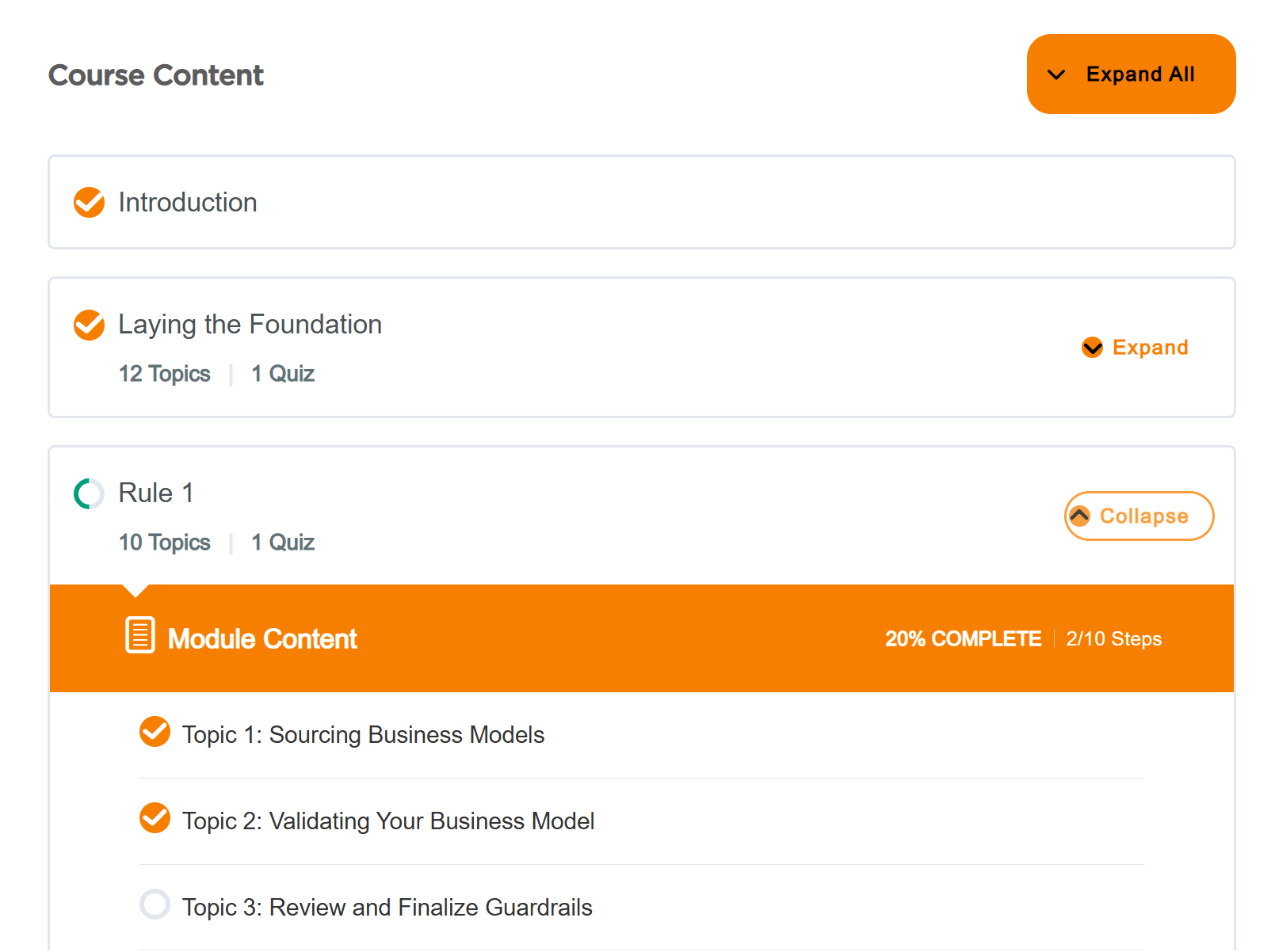
Many of our courses require that you click the Mark Complete buttons at the bottom of each page in order to generate your certificate. You can always let us know at: [email protected] and while you wait for our response you can select the course from your My Account page and scroll down through the Course Content to ensure all items are marked complete with an orange checkmark (see below).